|
|
|
Welcome to this edition of Rounds.
Each month, we share product updates, workflow shortcuts, and news that actually moves the needle for your clinic.
|
|
|
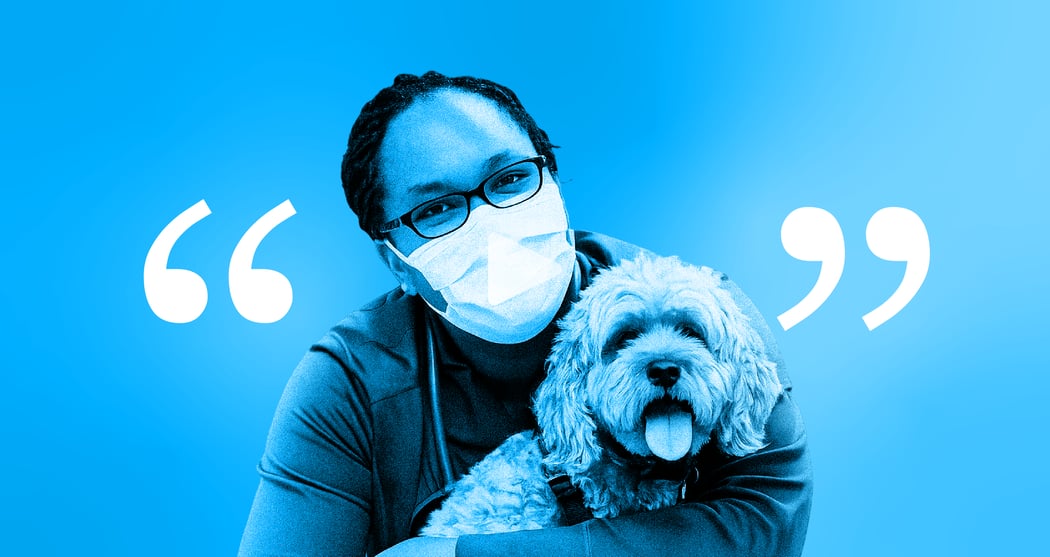
"In the ER, we see so many cases, get so much information, and [CoVet] has streamlined, incredibly, how I can get good, thorough histories."
— Dr. Amber Slaughter
|
|
| 🔧 |
Dental charts, offline mode & more |
|
| 🎥 |
An ER vet on what counts |
|
| 📍 |
Four countries, one team |
|
|
|
|
|
|
|
Product Updates
|
Dental Charts
|
|
|
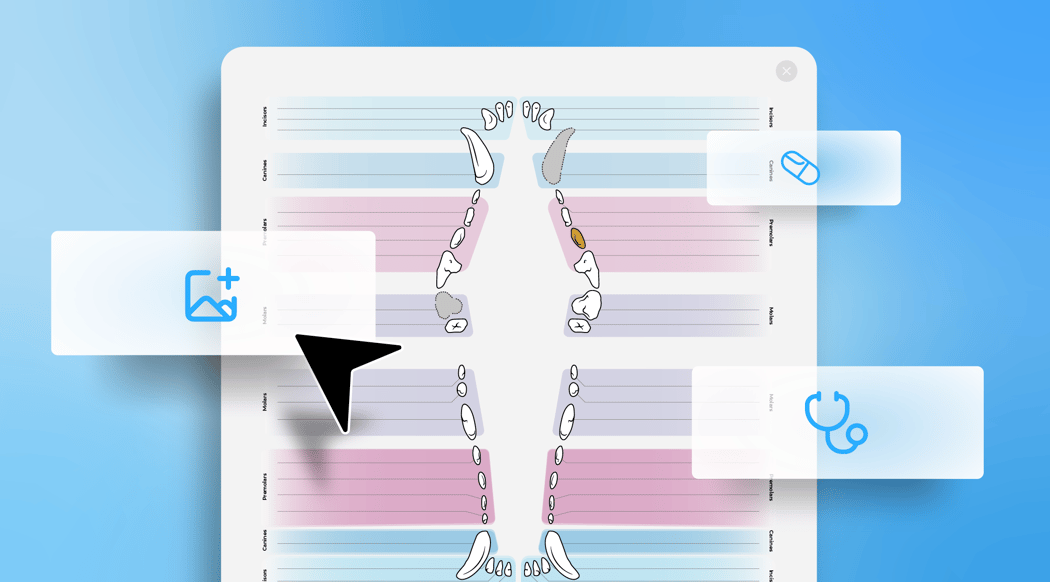
Dental work is all in the details, and your records should capture all of it.
With our new Dental Charts, you can:
- Add separate Diagnosis and Treatment notes for each tooth.
- Auto-save notes as you type.
- Include and adjust images within the PDF to track before and after of the patient's teeth.
Tooth-level details, notes, and images can all stay together while the case is still fresh.
|
|
|
|
Offline Mode
|
|
|
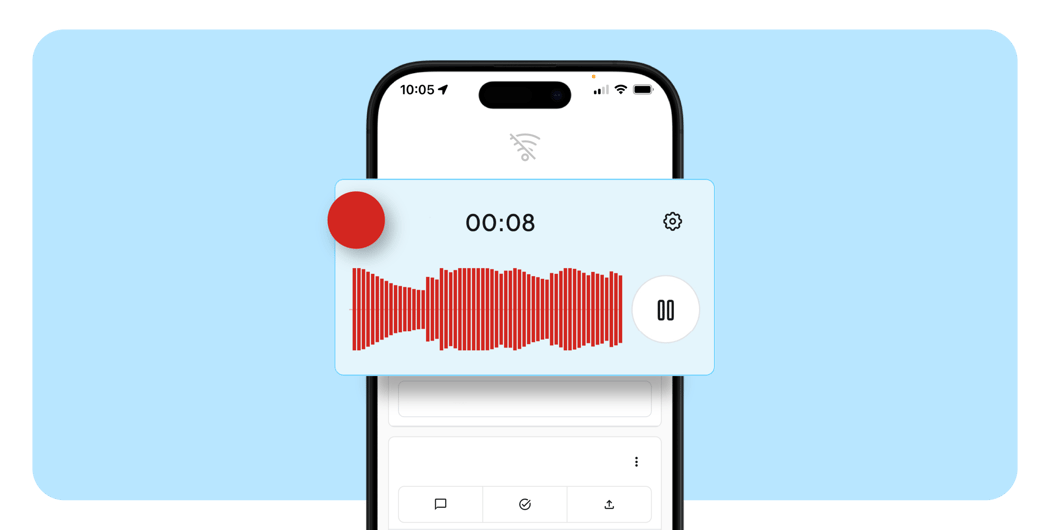
No signal? No stress. Hit record and CoVet will keep up.
With the latest update, you no longer need to toggle Offline Mode on and off. CoVet automatically detects when you are offline and saves your recordings locally. When your connection is restored, your cases will upload automatically. Work without Wi-Fi →
|
|
Outputs as Inputs
|
|
One note can now help build the next.
With Outputs as Inputs, you can use generated documents as a source for another template.
|
|
"I am super excited about this feature because it makes it very easy to review previous medical issues that the owner may have left out of the conversation," said Dr. Jessica Kilkenny, an early adopter who tested the feature.
|
|
Summarize the history first, pair it with today's recording, and generate a note with the full picture. Use Outputs as Inputs →
|
|
More ways CoVet is improving
|
|
Custom Voice Intro Messages: Start client calls with your own recorded intro instead of the default automated message, while keeping recording disclosure clear. Try it here.
Video Feedback: Found something that needs attention? You can now include screen recordings when submitting feedback, giving our team more context to investigate. See how →
Danish, Norwegian, and Swedish: CoVet now supports Danish, Norwegian, and Swedish, helping more teams document in the language they use every day. Know a Danish, Norwegian, or Swedish-speaking team? Refer them to CoVet →
We're continuing to build around the ways you actually use CoVet in practice. What would make your day easier next? Join a future roundtable to share your feedback →
|
|
New PMS Integrations
|
|
This month, we added a new PMS integration with Pack Leader DVM to help your team stay synced.
|
.png?width=1050&upscale=true&name=PMS%20Partners%20Grid%20(1).png)
|
|
|
From the Field
|
|
"In the ER, we see so many cases, get so much information, and [CoVet] has streamlined, incredibly, how I can get good, thorough histories."
|
|
|
Hear from Dr. Amber Slaughter (VEG ER) on how CoVet helps her work in urgent cases.
Link to testimonial →
Feedback like this helps us keep improving CoVet around how you work. See more on Trustpilot →
|
|
|
Events and Conferences
|
|
|
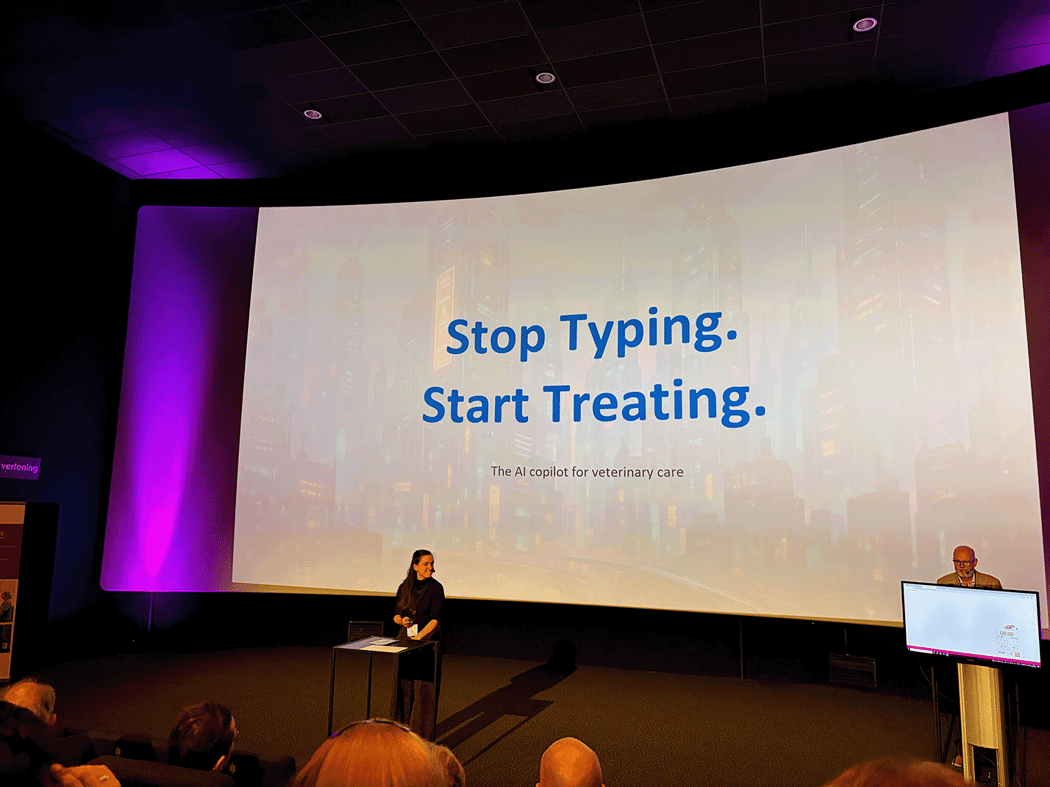
In April, we met with veterinary teams across Belgium, Canada, the UK, and the US.
Follow us on LinkedIn to see where we're heading next.
|
|

|
Webinars & Learning Labs
|
Coming up in May:
CoVet Learning Lab: Emergency Cases & Hospitalized Patients
With Dr. Sarah Smith and Rebecca Dunne · May 13 at 12:00 PM ET
Join us to see how CoVet supports teams handling emergency cases and hospitalized patients.
Missed our April sessions? You can still catch the replays here: Watch the replays →
|
|
|

|
|
Dr. Mike's Pro Tip
|
|
Dr. Mike Mossop, Chief Veterinary Officer and Co-Founder at CoVet, with a quick tip on how to customize your records.
|
|
Make Your Records Sound More Like You
CoVet can automatically use the abbreviations and technical terms you prefer, so your records stay concise without extra editing. For example, "twice daily" can become "BID," "history" can become "Hx," and "left eye" can become "OS."
You can use the abbreviations already built into CoVet, or add your own based on how you like to write.
|
|
How it works:
- In your profile, select Personalization.
- Click Abbreviations.
- Make sure abbreviations are turned on.
- Add the long form, the abbreviation you want, the language, and a category.
- Choose whether it should appear in client-facing content.
Once saved, CoVet will start using those abbreviations in future records.
While you're editing a record, you can also open the three-dot menu and select Add an abbreviation to the dictionary. When you enter the abbreviation, it will apply to both the current and future records.
|
|
|
|
|
|
Thoughts on Today's Issue?
|
|
|
|
|
|
|
|